
How to Play Drunkdeck
Pick a mode, choose a category, add your players, and start drawing cards. Setup takes about a minute.
Drunkdeck takes about a minute to set up: pick a mode, choose a category, add players if you want a scoreboard, and start drawing cards. The five steps below walk through exactly what to expect on screen.
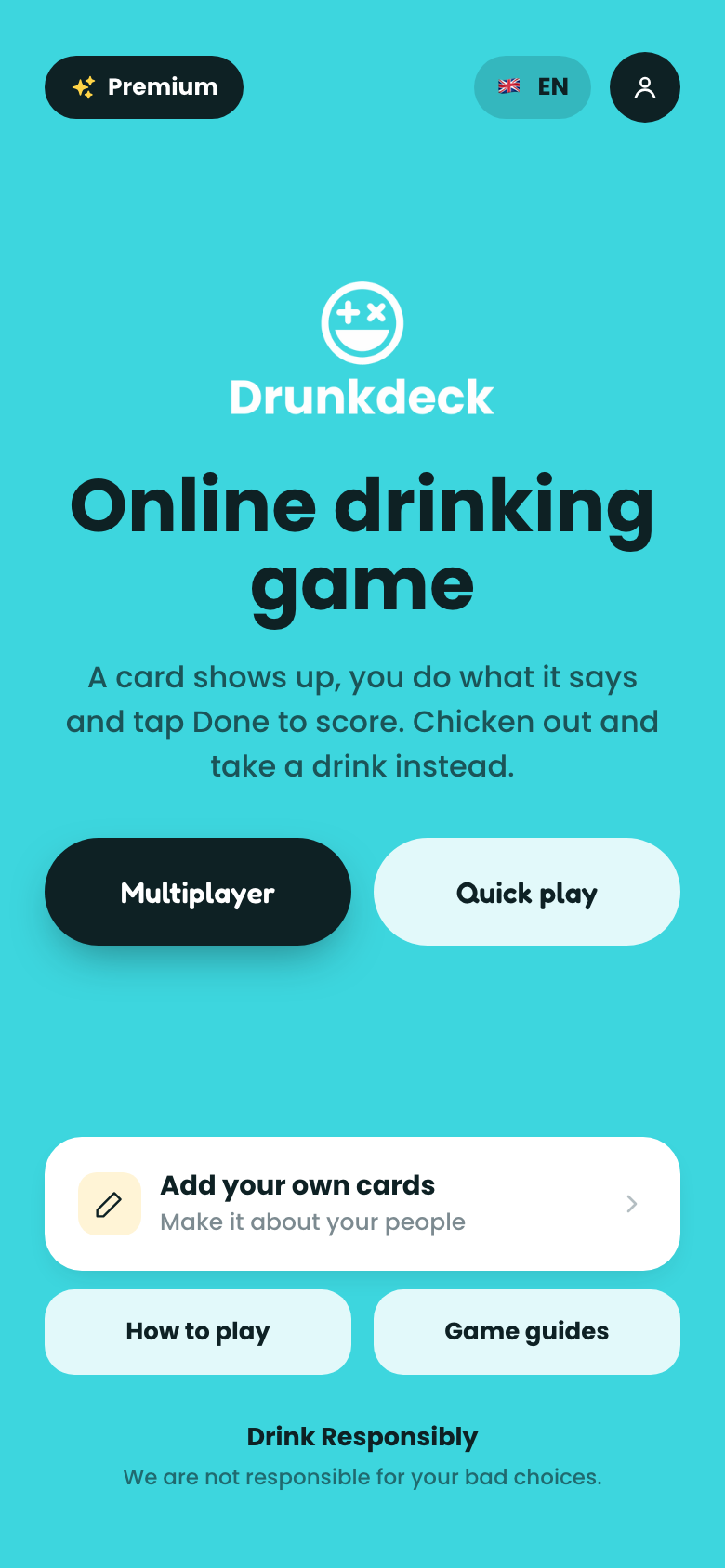
1. Multiplayer or quick play?
Choose multiplayer to add player names and track a scoreboard, or quick play to jump straight into cards with no setup.
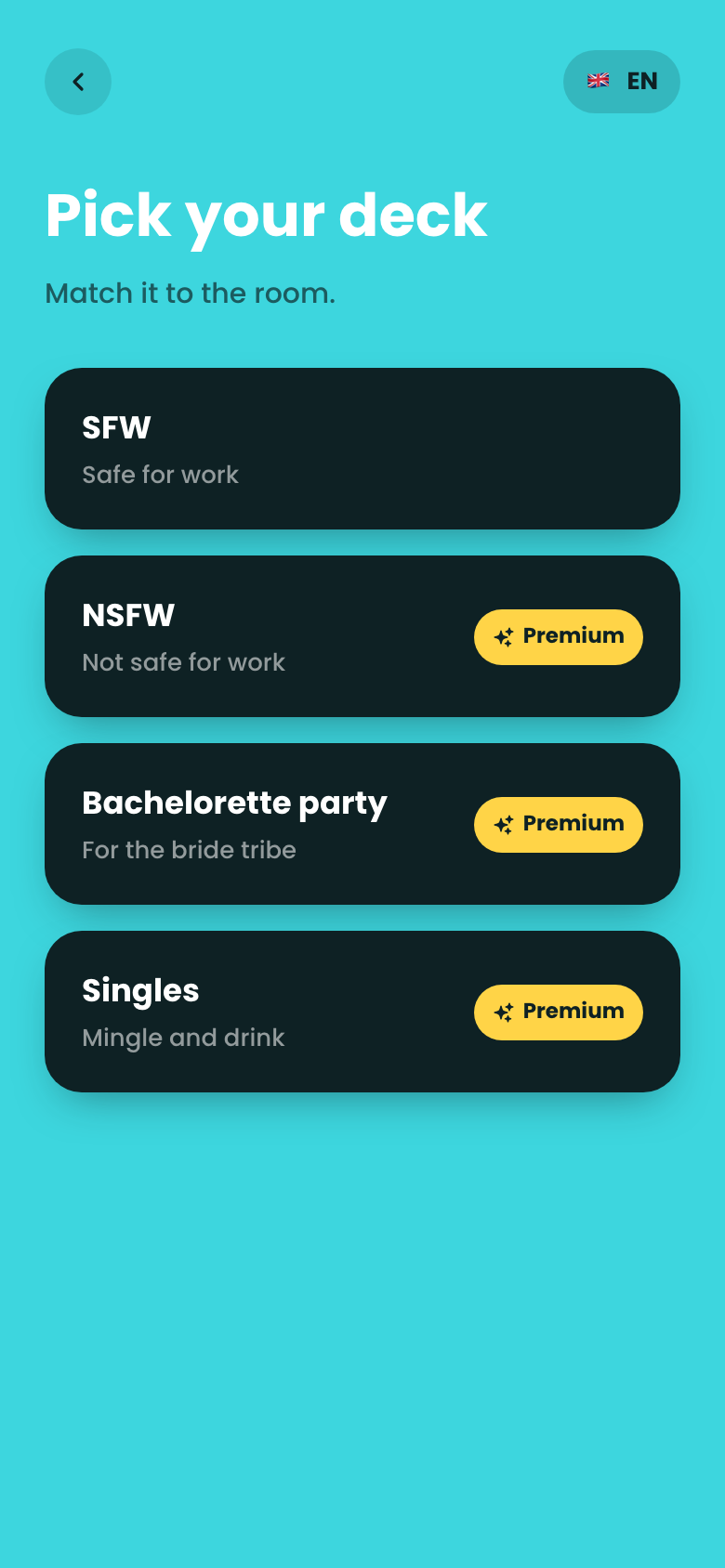
2. Select a category
NSFW, SFW, Bachelorette Party, Singles, and more are all available. Free decks are marked, and premium unlocks the rest.
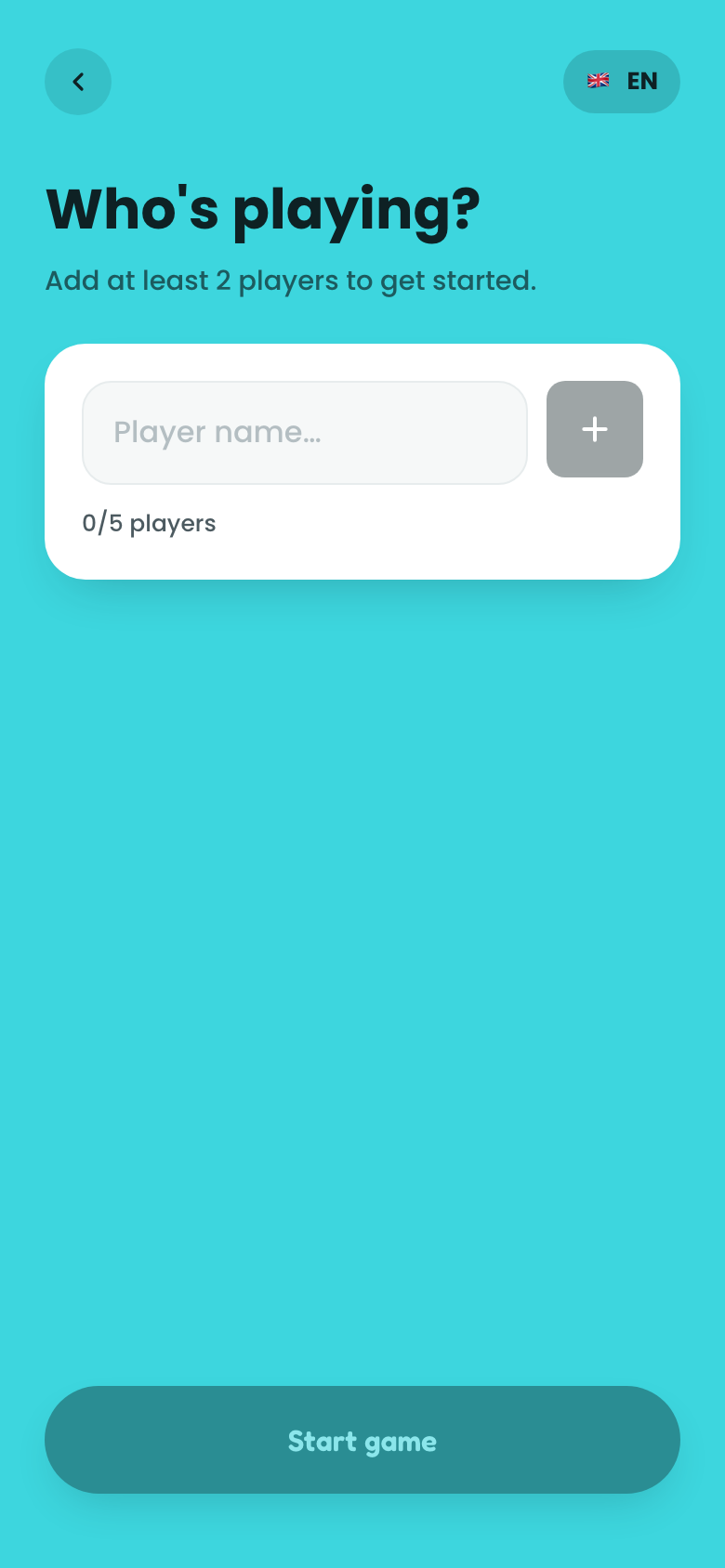
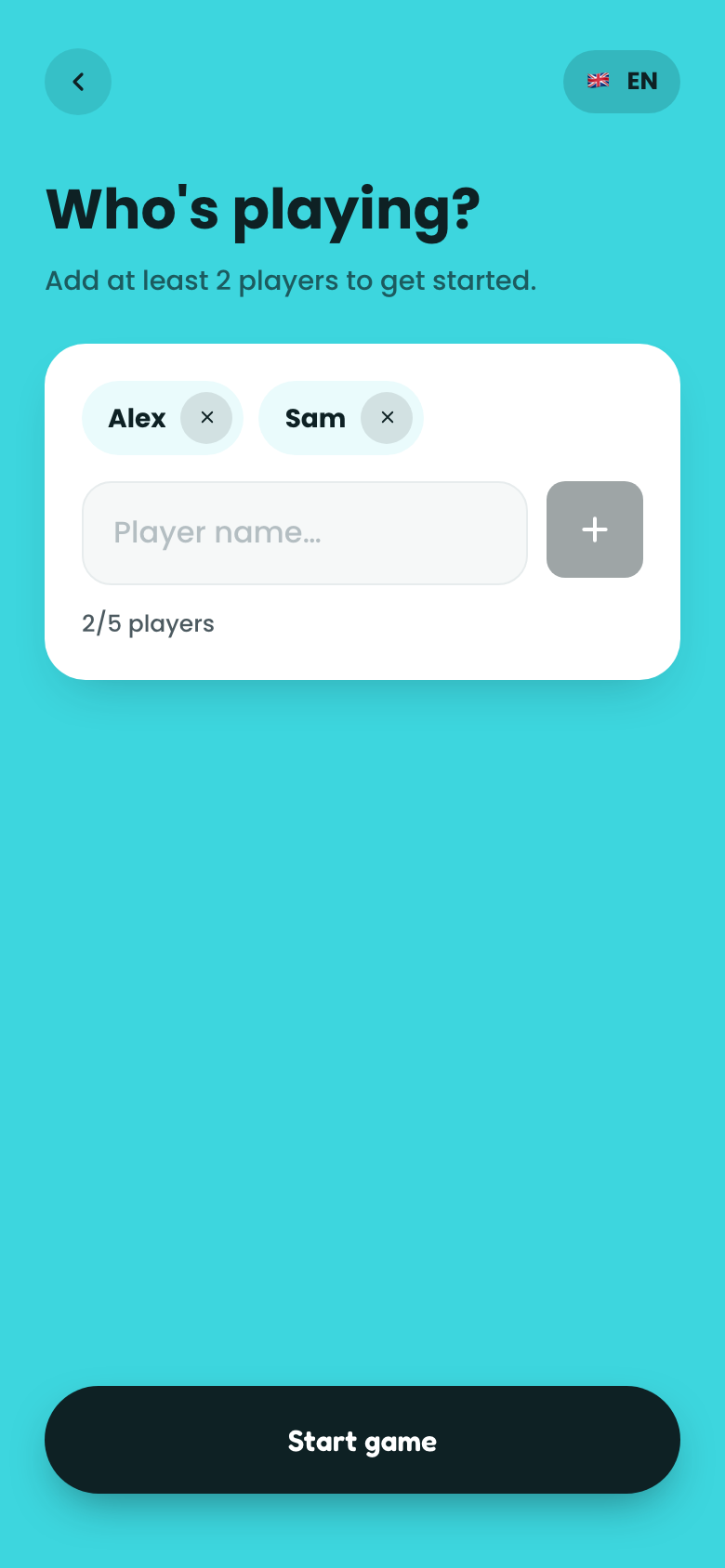
3. Add your players
In multiplayer mode, tap the add players button to enter names. You need at least 2 players before you can start the game.
4. Play the game
A card appears on screen for the current player. If you added names, the current player's name shows above the card; if not, go around the group clockwise.
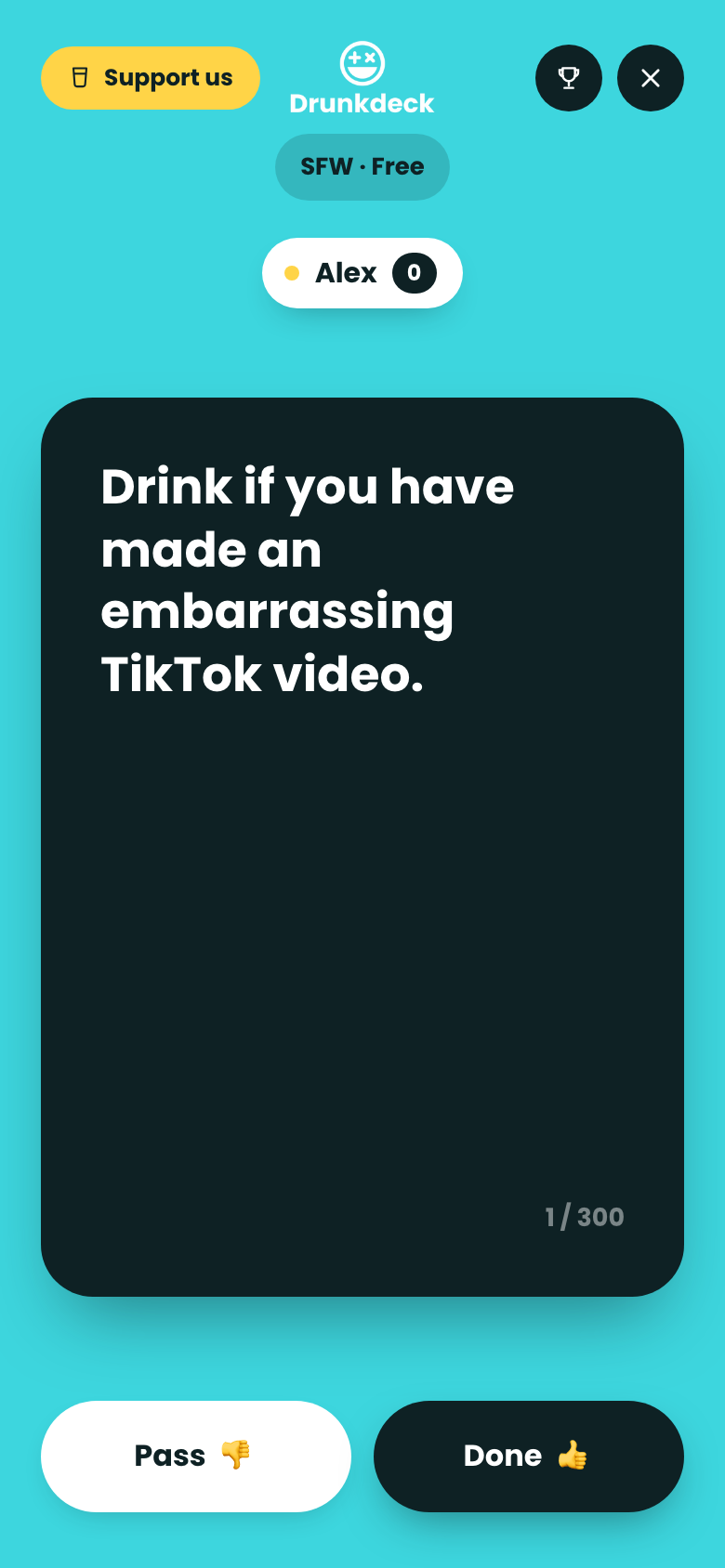
Tap Done if the player follows the card (and scores a point), or Pass to skip it and move on with no points lost.

The live scoreboard tracks points as you play; it's only visible in multiplayer mode.
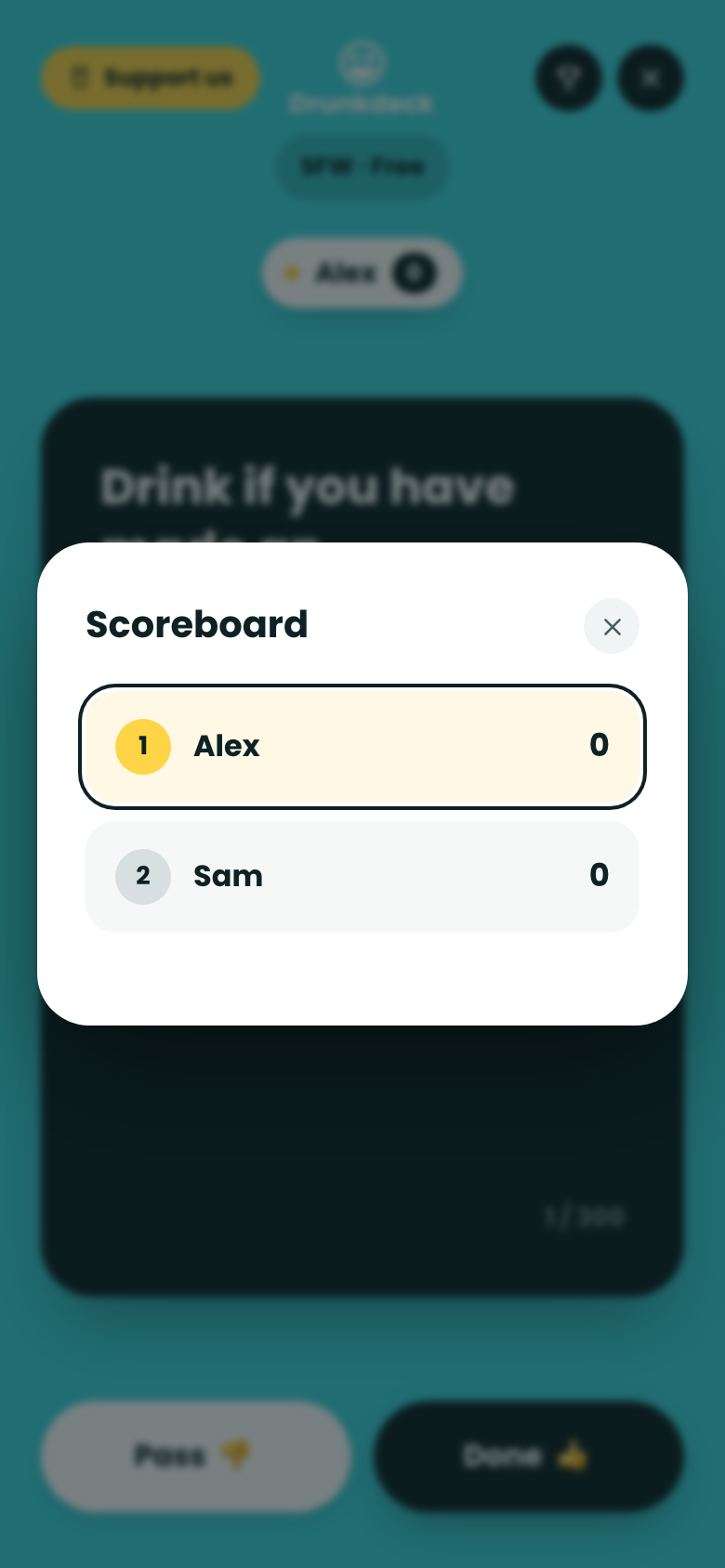
5. End the game
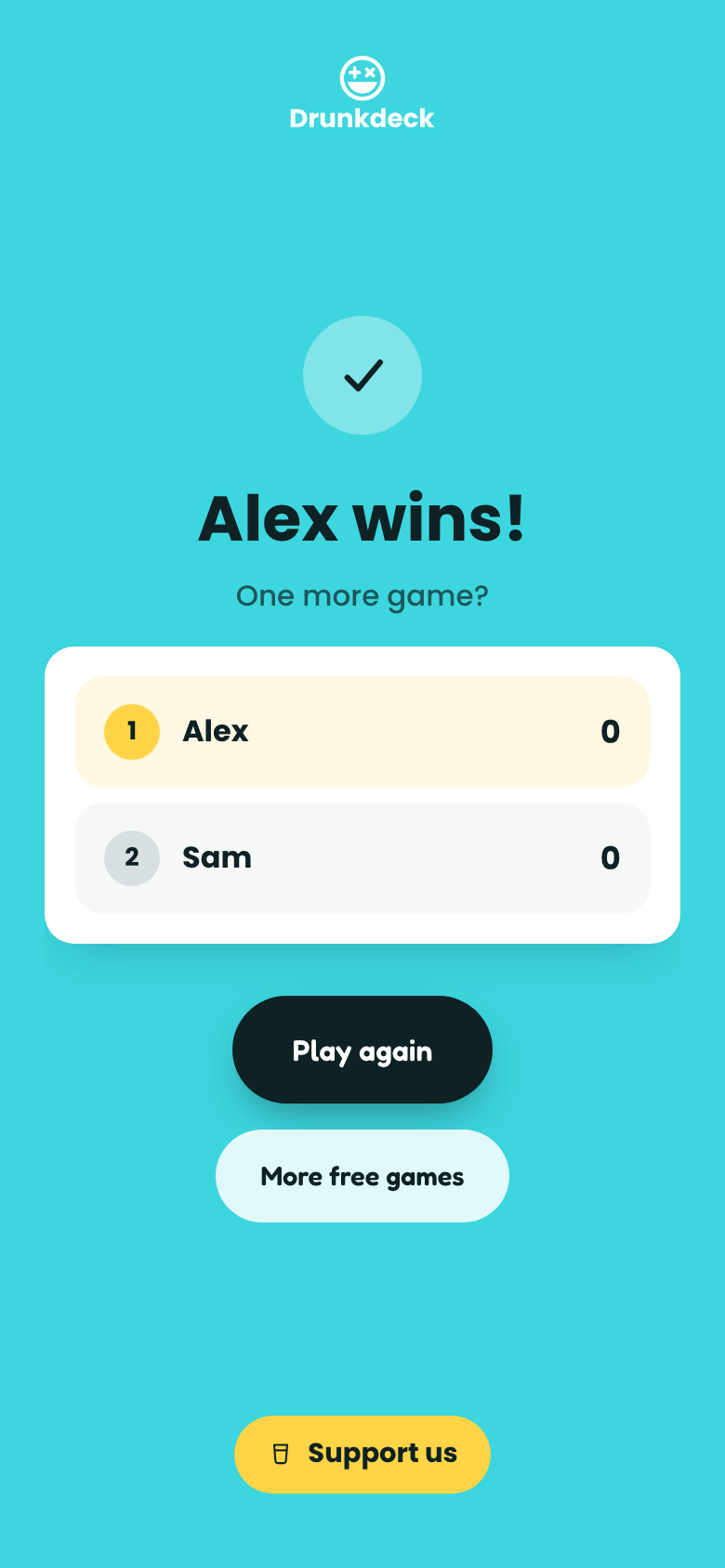
Quit any time from the menu to see the final scoreboard and crown a winner.
Want rules for a specific game like Kings Cup or Never Have I Ever? See the guides hub for full rules and prompt ideas.